

Transform Your Raw Screenshots into Polished, OS-Style Mockups
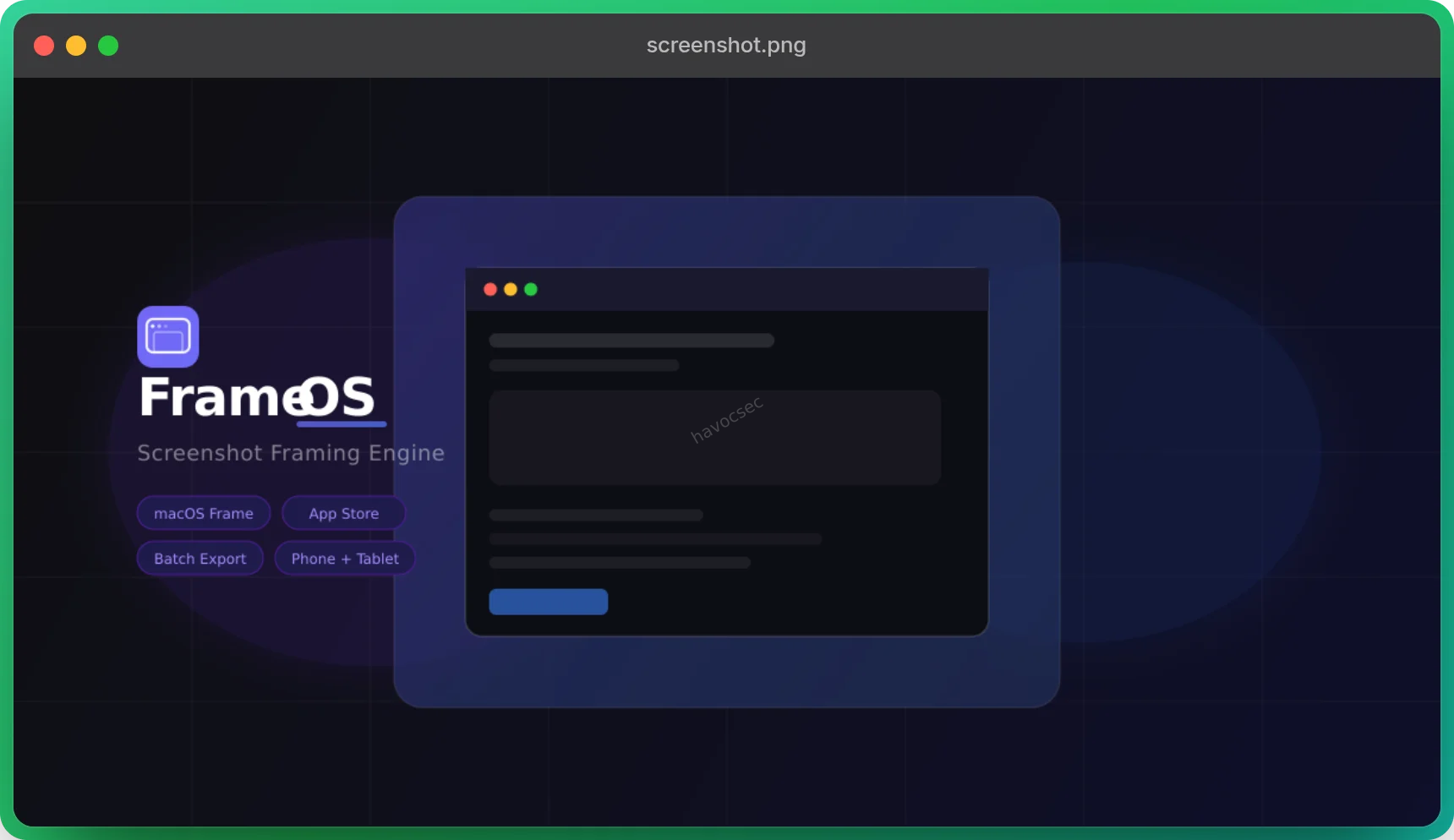
In today’s fast-paced digital world, presenting your work with clarity and professionalism is paramount. Whether you’re a developer showcasing a new feature, a designer presenting a UI concept, or a marketer creating engaging content, high-quality visuals make all the difference. Introducing FrameOS, a powerful, free, and entirely browser-based screenshot framing engine that elevates your raw images into stunning, OS-style mockups ready for blogs, social media, and documentation.
FrameOS is designed to simplify the process of adding elegant frames to your screenshots, eliminating the need for complex design software or tedious manual adjustments. It’s a tool built for efficiency, allowing you to focus on your content while FrameOS handles the visual polish.
Key Features that Make FrameOS Indispensable
FrameOS is packed with features tailored to streamline your workflow and enhance your visual output:
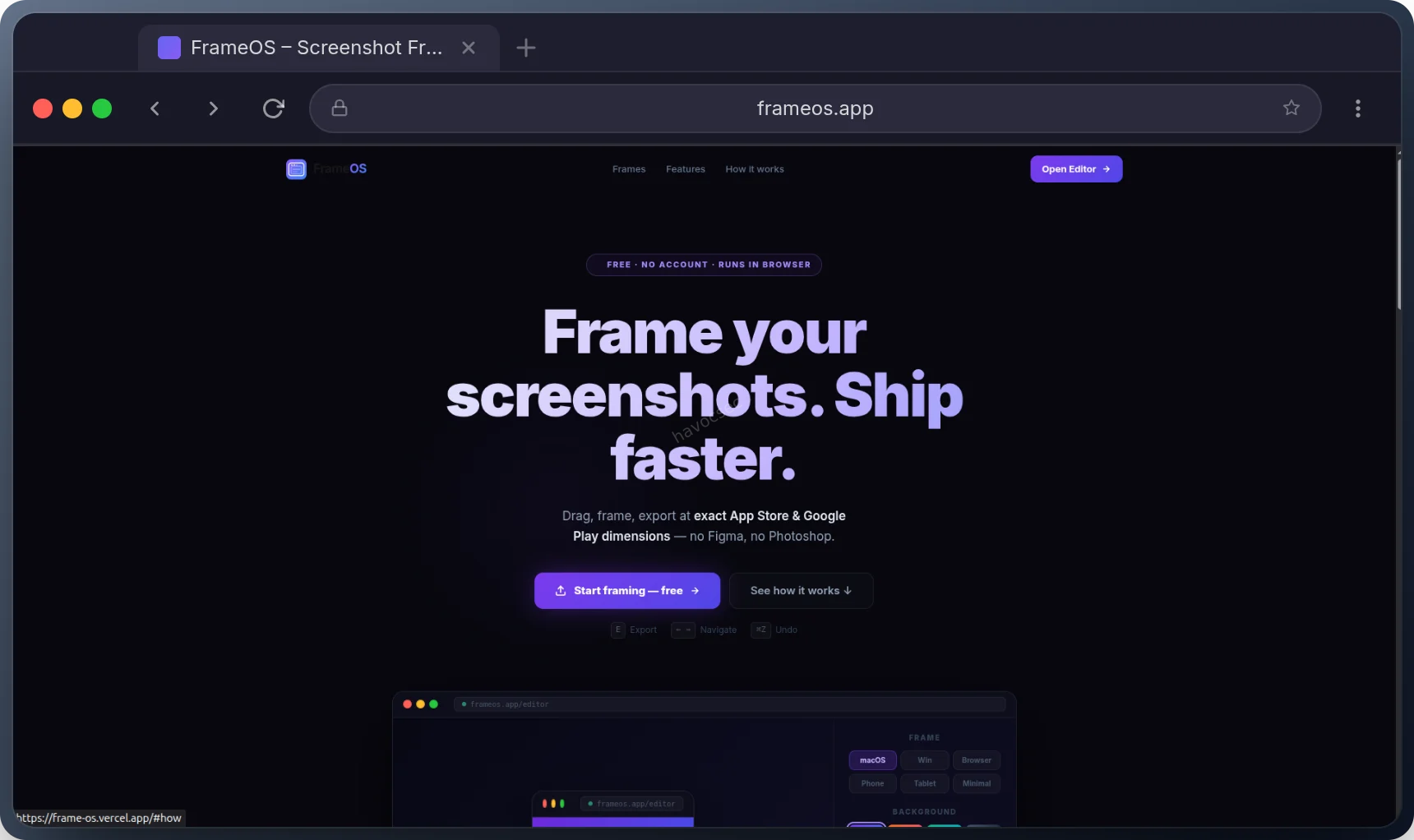
- Diverse Frame Styles: Choose from a variety of popular operating system and device frames, including macOS (traffic-light chrome), Windows 11 (Fluent title bar), Minimal (shadow card), Browser (Chrome-style tab), Phone (Samsung Galaxy slim bezels), and Tablet (iPad wide bezel). This versatility ensures your screenshots always match the context of your presentation.
- App Store & Google Play Formats: For mobile app developers, FrameOS is a game-changer. It exports images at the exact pixel dimensions required by both Apple App Store (e.g., 6.7” iPhone 15 Pro Max: 1290 × 2796 px) and Google Play Store (e.g., Standard 9:16 Android: 1080 × 1920 px), simplifying your submission process.
- Batch Processing: Upload up to 10 images at once and navigate through them with ease. FrameOS allows you to apply settings across multiple images and export them all in a single click, saving you valuable time.
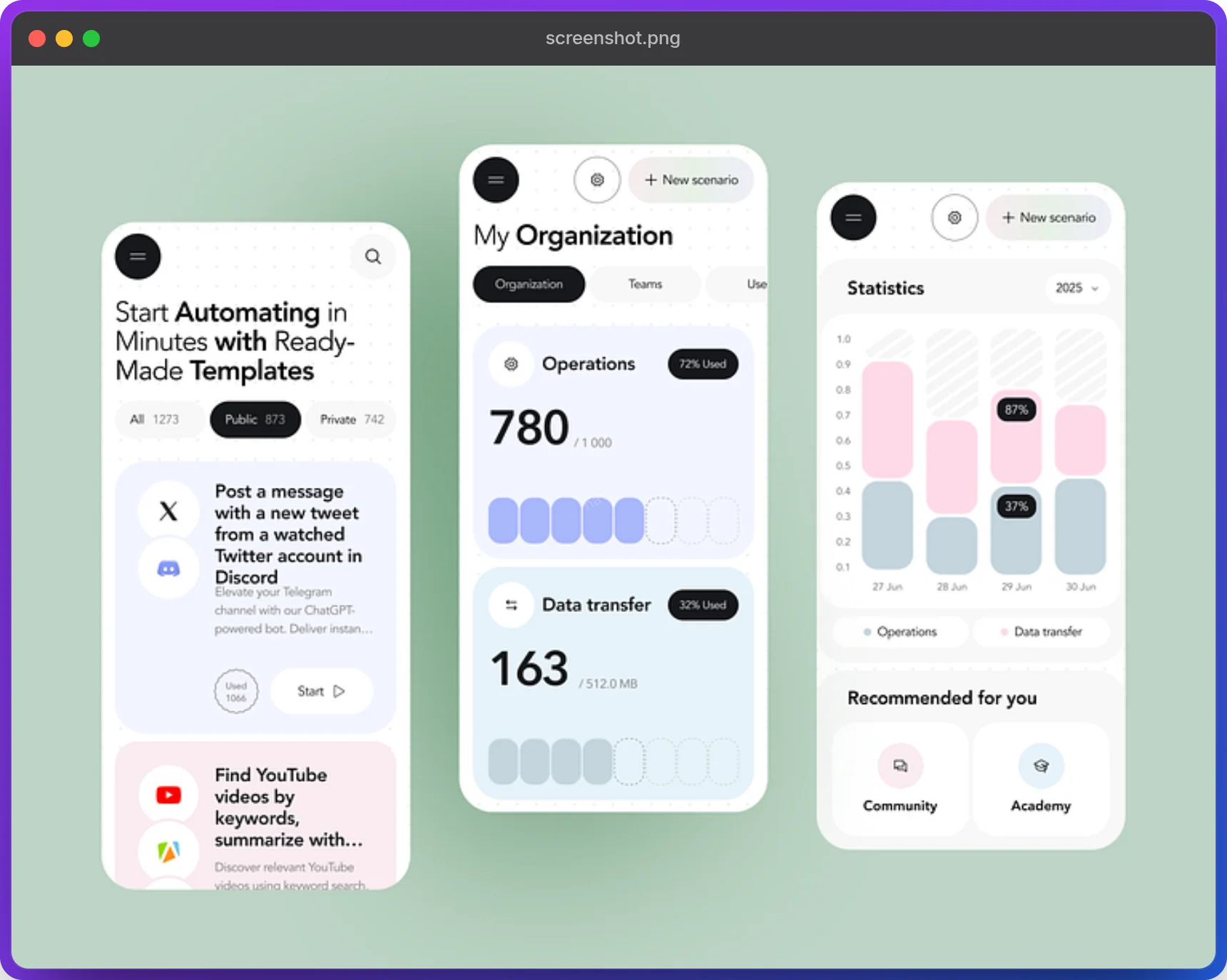
- Customizable Backgrounds: Personalize your mockups with 4 built-in gradient options (Cosmic, Sunset, Forest, Midnight) or select any solid color to perfectly complement your brand or design.
- Fine-tuned Canvas Controls: Adjust image scale (50–100%), padding (8–64 px), and corner radius (0–32 px) to achieve the perfect look for your framed screenshots.
- Flexible Export Options: Download your framed images as high-quality PNGs, export all processed images at once, or copy them directly to your clipboard for quick pasting into other applications.
- Client-Side Processing: Your privacy is paramount. All image processing is done entirely in your browser. Your images never leave your device, ensuring complete data security and fast performance.
- Intuitive User Interface: With a clean design, dark/light mode toggle, and keyboard shortcuts (
←→for navigation,Efor export,Ctrl+Zfor undo), FrameOS offers a seamless and efficient user experience.
How FrameOS Works: A Simple Workflow
Using FrameOS is incredibly straightforward:
- Upload Your Screenshots: Drag and drop your PNG, JPG, JPEG, or WEBP images directly into the browser, or use the browse option. You can upload up to 10 images simultaneously.
- Choose Your Frame: Select from the six available frame styles to instantly apply a professional look to your screenshot.
- Customize Your Canvas: Adjust the background (gradient or solid color), image scale, padding, and corner radius to match your aesthetic preferences.
- Export with Ease: Once satisfied, click ‘Download Image’ to save your framed screenshot as a PNG, or ‘Copy to Clipboard’ for immediate use.
Under the Hood: The Technology Powering FrameOS
FrameOS is built with a modern and robust tech stack, ensuring performance and reliability:
- Next.js 16: Leveraging the App Router for static export and features like auto-favicon/sitemap.
- React 19: Utilizing
useCallback,useRef, andforwardReffor efficient DOM manipulation and capture targets. - TypeScript 5.7: Ensuring type safety and code quality throughout the project.
- Tailwind CSS 3.4: For rapid and responsive UI development with a
darkMode: 'class'strategy. - html-to-image: Dynamically imported for client-side DOM-to-PNG capture, ensuring your images never touch a server.
💡 Get Started with FrameOS Today!
Ready to elevate your screenshots? Visit the live tool at frame-os.vercel.app and experience the simplicity and power of FrameOS. It’s free, fast, and secure.
We also welcome contributions! If you’re a developer interested in contributing to an open-source project, check out the** FrameOS GitHub repository.** Your pull requests are welcome!


Comments